Permissions Manage

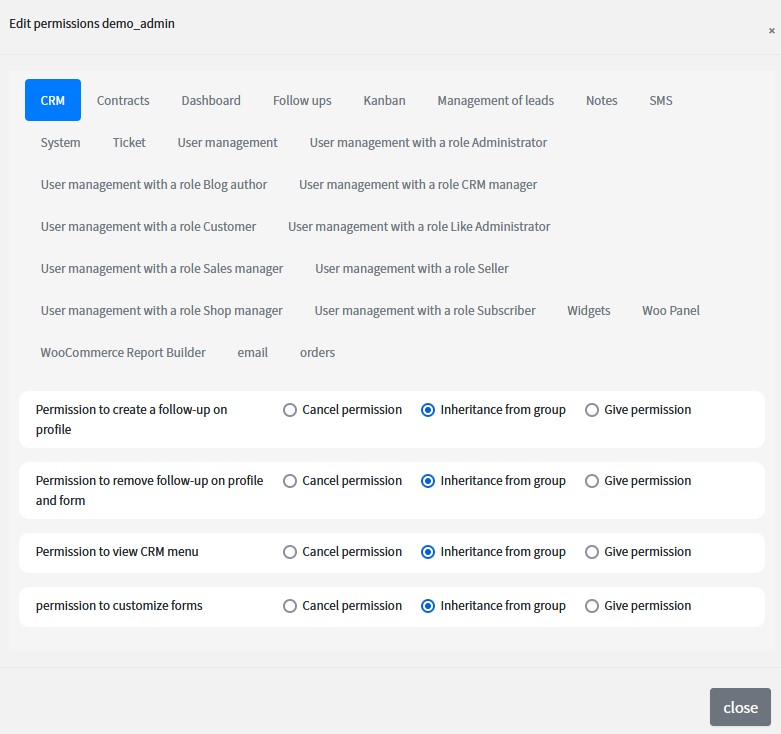
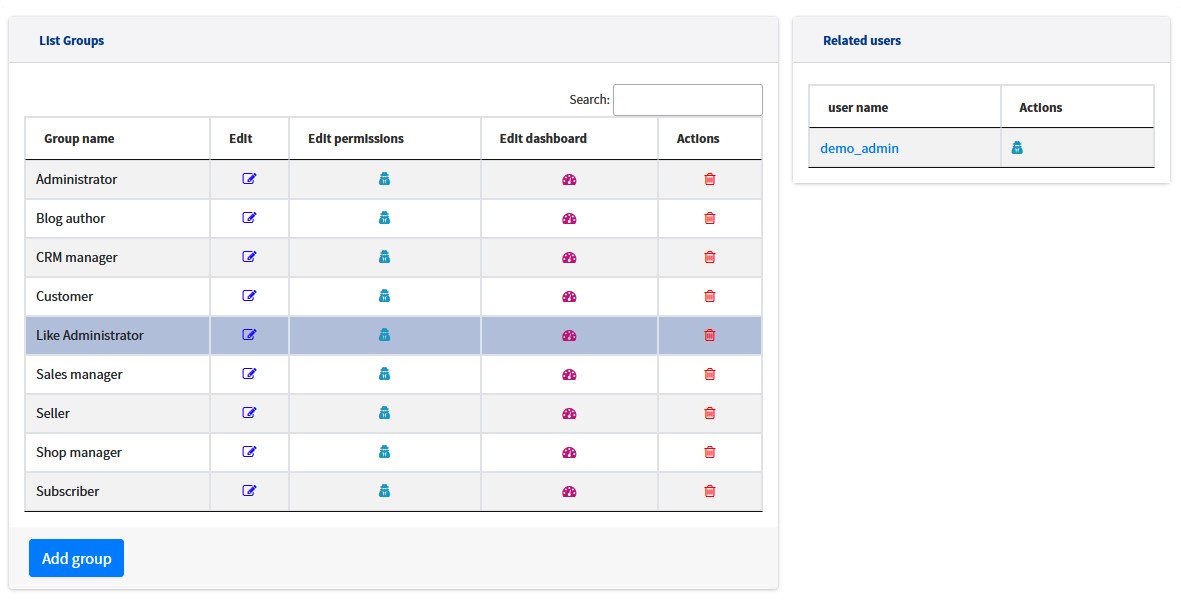
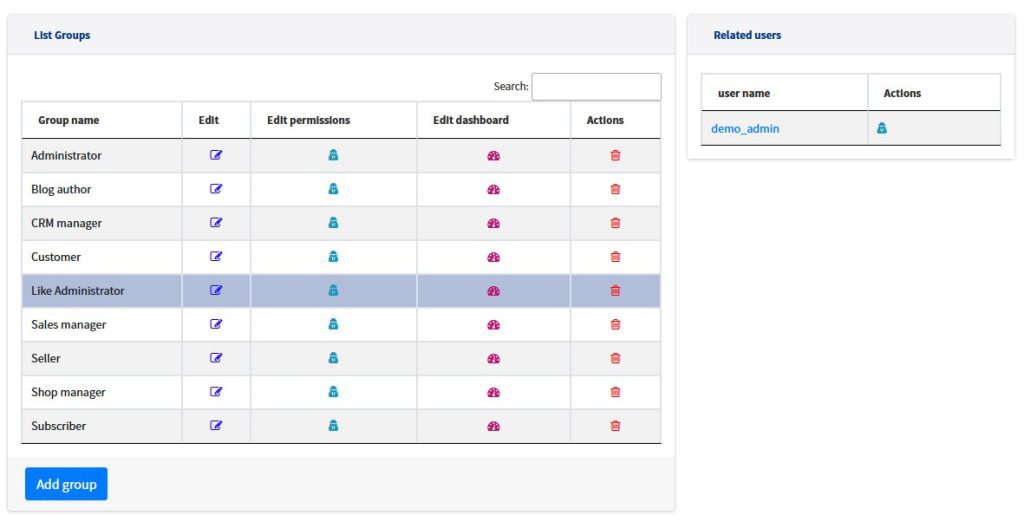
In an organization, according to the role of people, the levels of access to information and different operations are different. In CRM, the system administrator can create different user roles and manage access levels for each role or person.
Role or User Permissions

You can set permissions for a role, but grant or deny permissions for a specific person in the same role outside of group inheritance.

Role or User Permissions

Compatible with the form builder

Create any custome form, the permissions of that form will be added automatically for all roles. You can grant the relevant access to that role or person

Compatible with the form builder

Compatibe with Responsibles

You can create different responsibles for profiles or personalized forms, then set permissions based on these responsibles.

Compatibe with Responsibles

Permission for all features

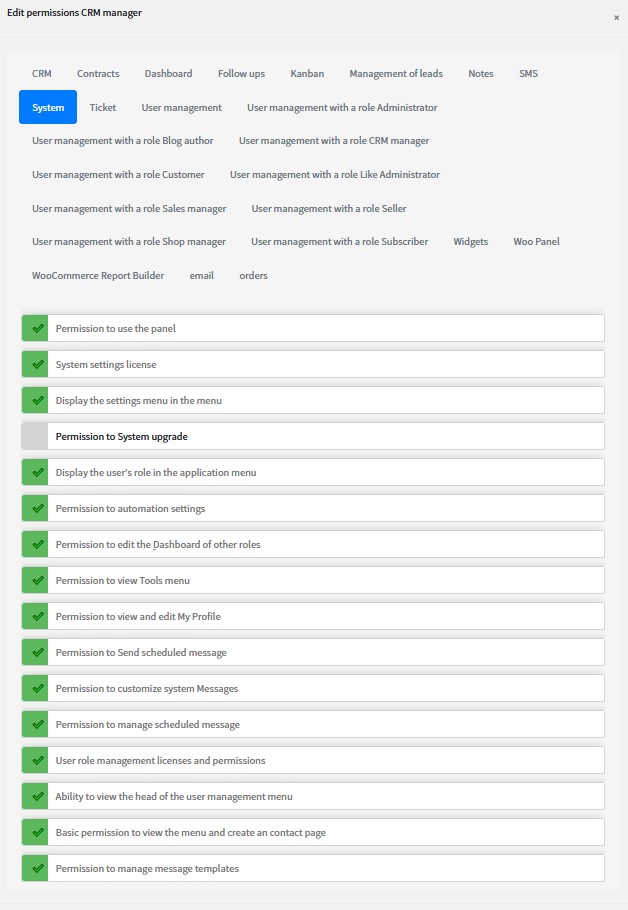
All CRM features have separately permission, you can grant or deny any information or operation to a specific role or person.

Permission for all features

Introduction to other features of La24CRM

Manage Cookies

Choose which cookies this website may use. You can change your choice at any time.

Always on

Required for the website to work, for example to keep you signed in, keep your shopping cart and remember this cookie choice. They cannot be switched off.

Analytics, social media connections, live chat and personalized advertising based on your online activity. These are only used if you allow them.